Tools
Serial Monitor
USB & Bluetooth • Colours & hex • Commands • Live plotter • Demo board
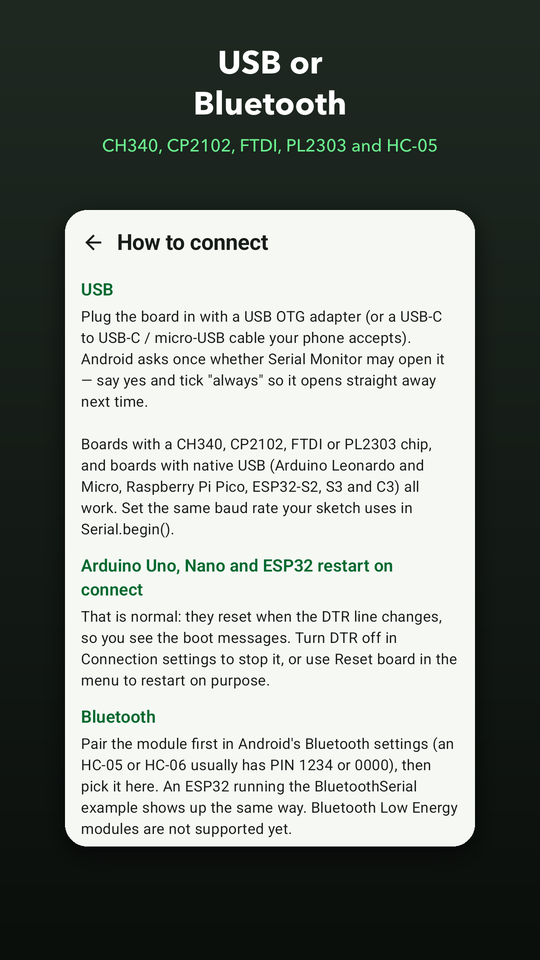
Serial Monitor shows your board's serial output on your phone, with no laptop nearby. Plug an Arduino, ESP32, ESP8266 or Raspberry Pi Pico in with a USB OTG adapter — boards and adapters with a CH340, CP2102, FTDI or PL2303 chip, and native-USB boards such as the Leonardo, the Pico and the ESP32-S3 — or connect to a Bluetooth module you paired yourself, such as an HC-05 or an ESP32 running the BluetoothSerial example.
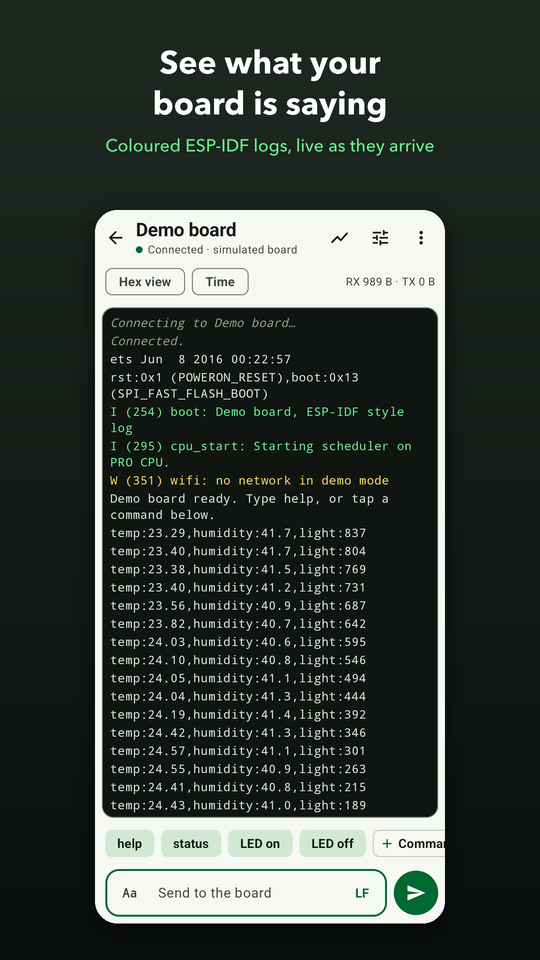
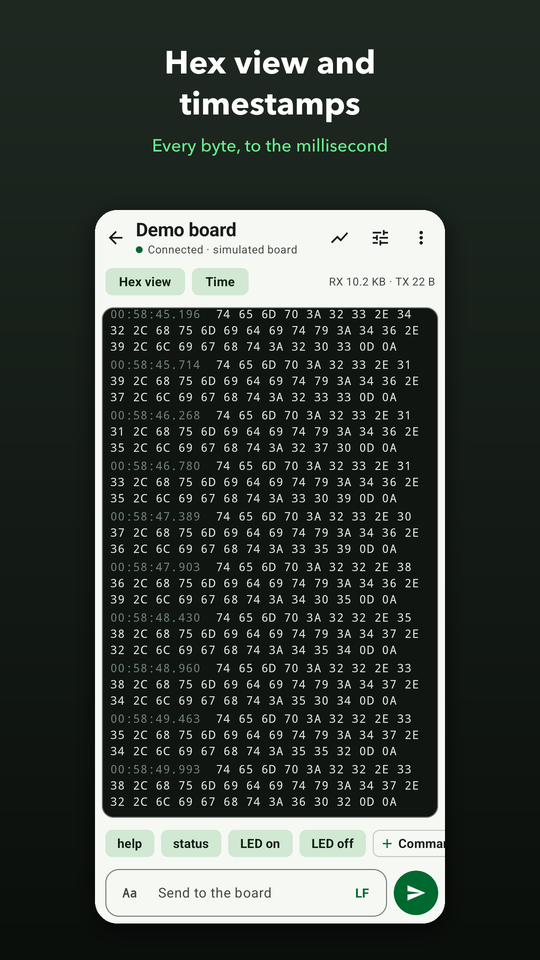
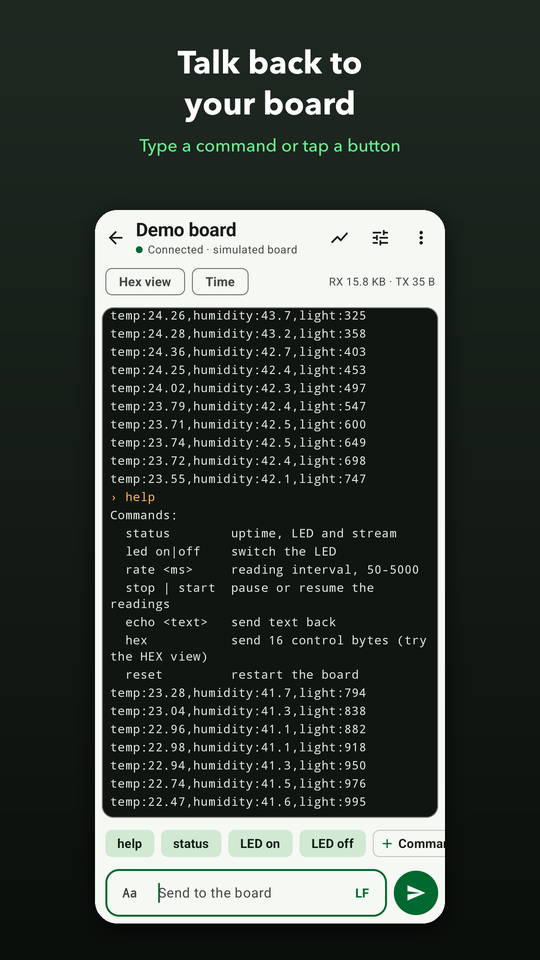
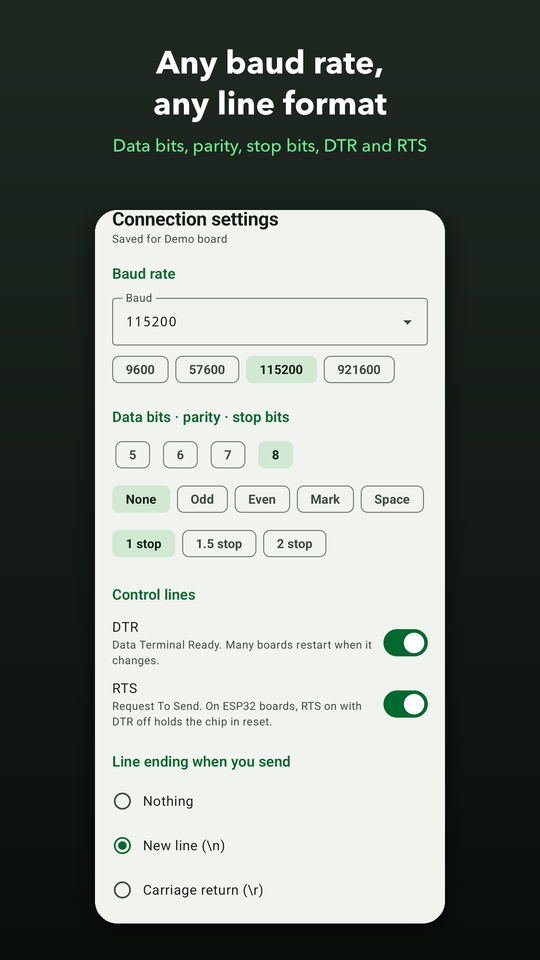
The console shows ESP-IDF, Zephyr and MicroPython colour codes as colours, switches to a hex view and adds timestamps to the millisecond. Send a line with the ending your sketch expects, or raw bytes in hex, and keep your usual commands as buttons under the console. Set any baud rate, data bits, parity and stop bits, DTR and RTS for each device, and restart the board the way the Arduino IDE does.
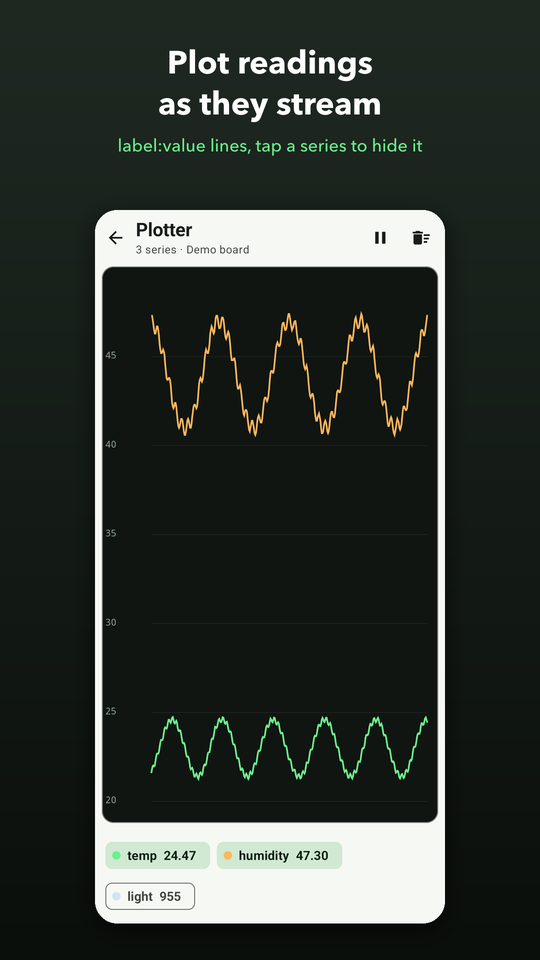
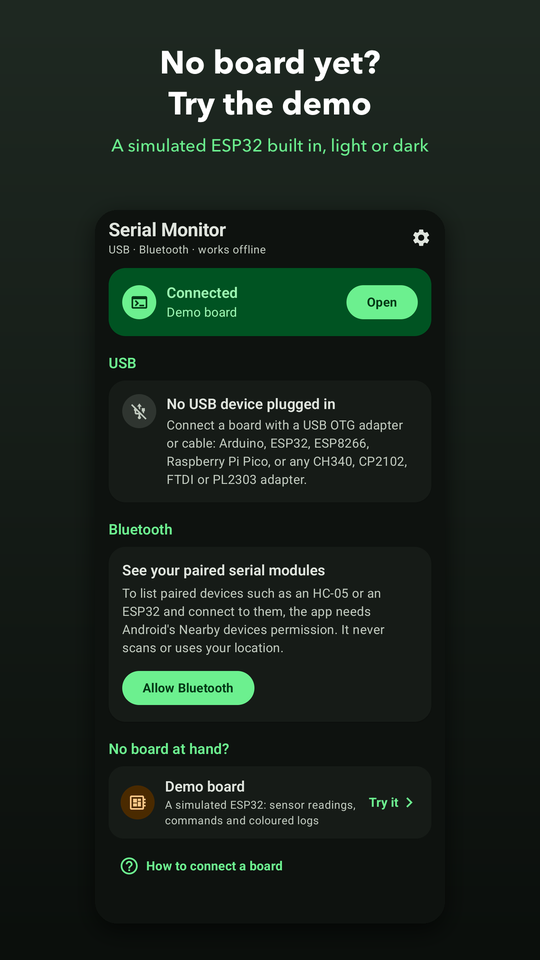
Print label:value readings and the plotter graphs them live, like the Arduino Serial Plotter. Save the whole console as a text file with times, or share it. No board at hand? A demo board built into the app — a simulated ESP32 — lets you try every feature first. What your board sends and what you type stay on your phone, and the app never scans for devices or asks for your location.

Screenshots
What's inside
USB or Bluetooth
CH340, CP2102, FTDI, PL2303 and native-USB boards over OTG, or a paired HC-05 / ESP32 over Bluetooth.
A console made for boards
ANSI colours, hex view, timestamps, and commands as one-tap buttons.
Live plotter
label:value lines graphed as they arrive, the way the Arduino Serial Plotter does.
Privacy-first
Read how we handle your data.