Tools
Watch Accuracy
Tap at 12 • Seconds a day • Rates by position • Tolerances • Reminders
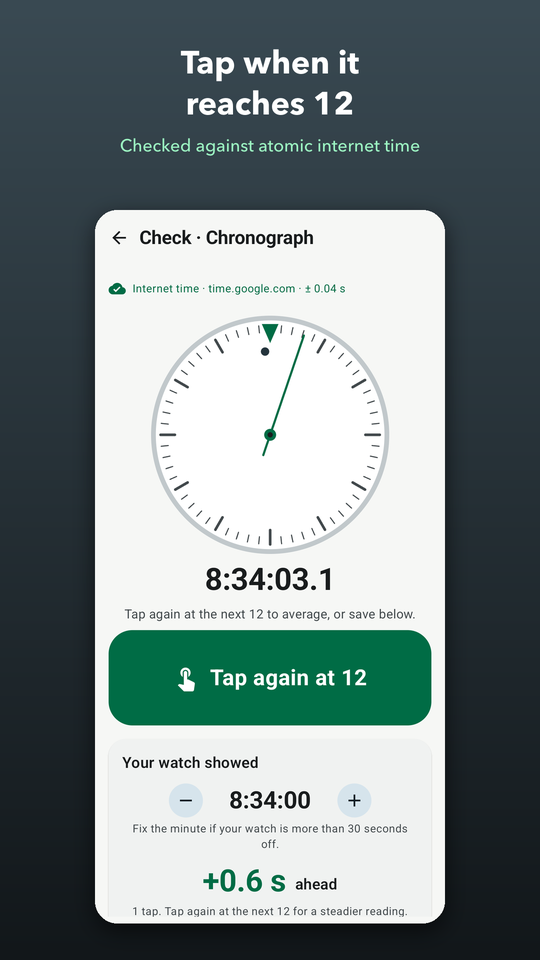
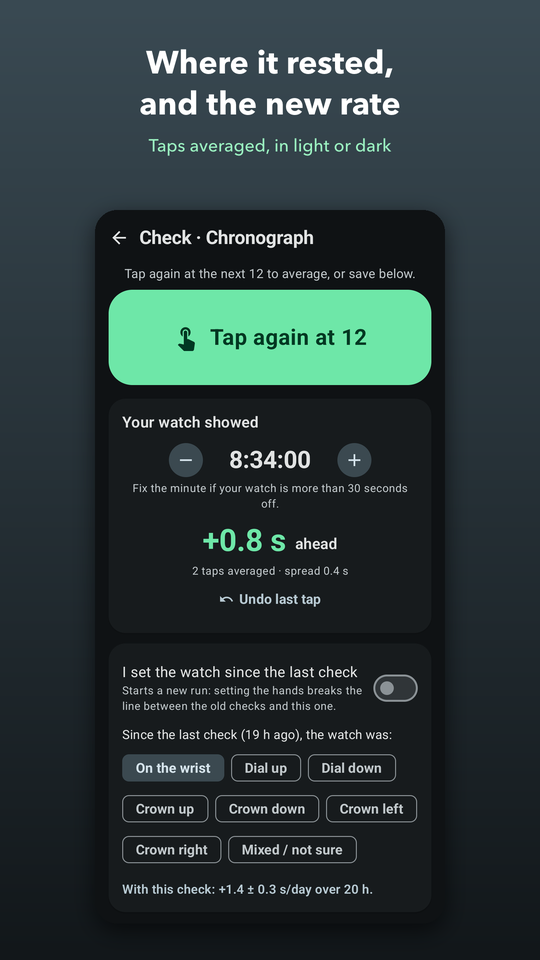
How accurate is your watch? The app runs a seconds dial and a clock to the tenth of a second on internet time, and shows how exact that time is. Tap the big button the moment your watch's seconds hand reaches 12 and confirm the minute it showed — that's a check. Tap again at the next minutes' 12 and the taps are averaged.
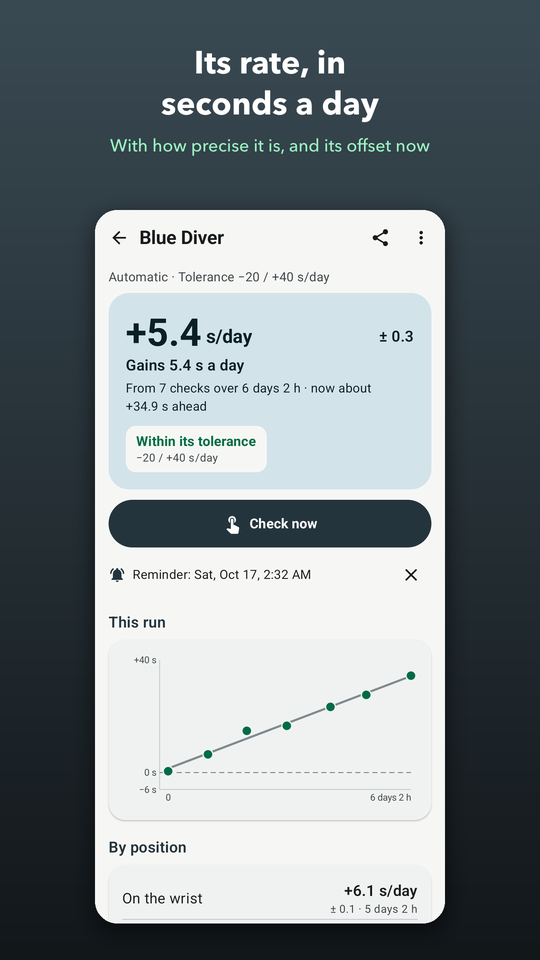
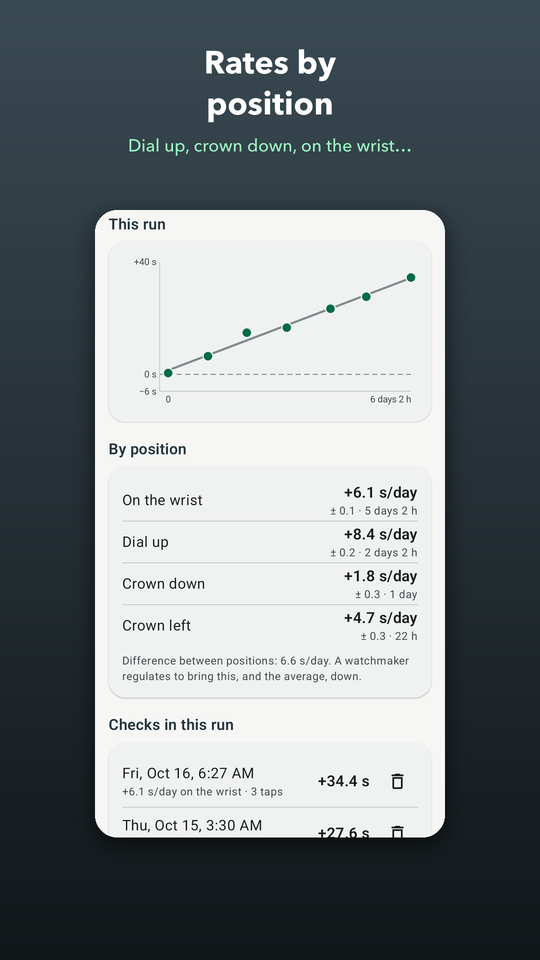
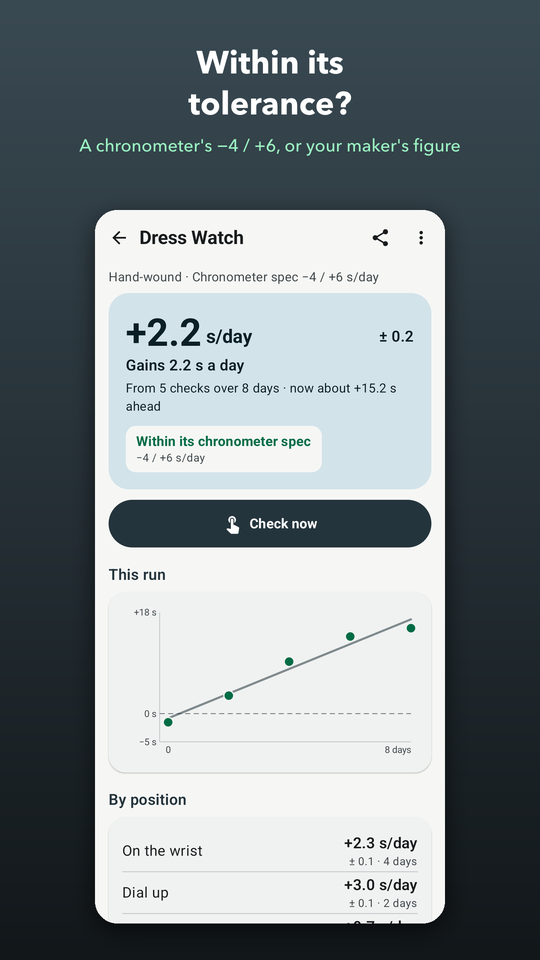
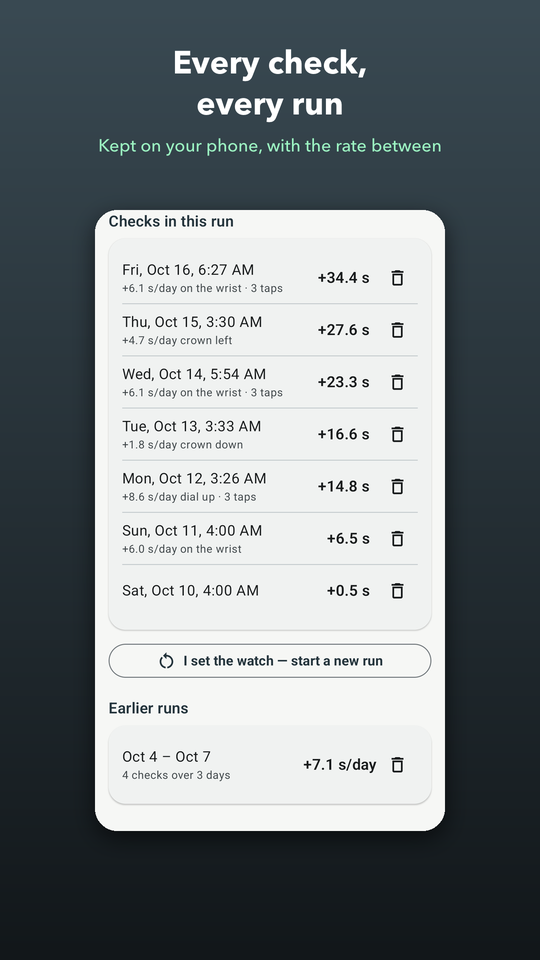
Check again a day or a week later and a line through your checks gives the rate in seconds a day, with how precise it is. Your reaction time cancels out, because it's the same at every check. Say where the watch spent the time — on the wrist, dial up, crown down — and see its rate in each position and the difference between them. Set the hands and a new run starts; if a reading looks like the hands were set, the app says so.
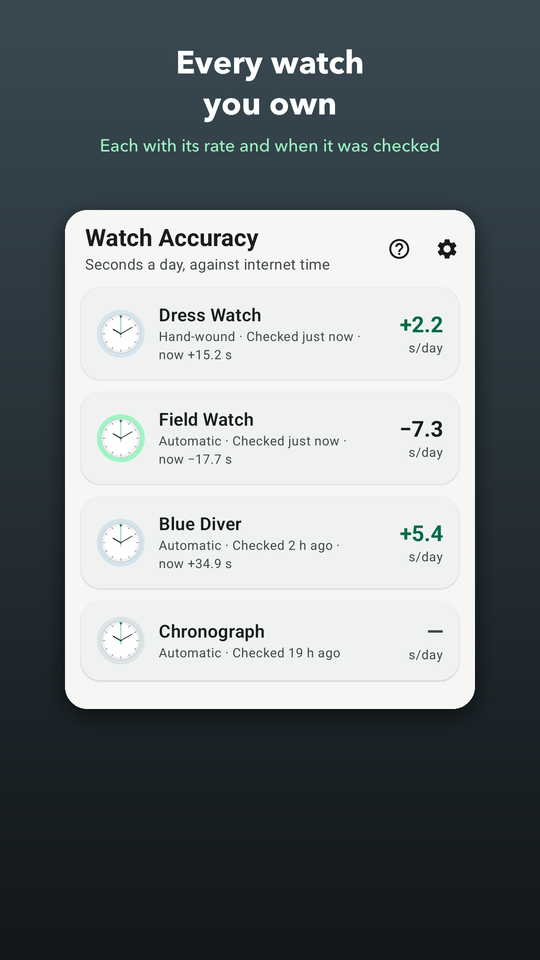
Give a watch a tolerance — a chronometer's −4 / +6 seconds a day, or the figure its maker gives — and see whether it keeps within it. Every watch keeps its checks, a chart of each run and its earlier runs, and a reminder can tell you when to check again. If the time servers can't be reached the app says so and uses the phone's clock. No account; your watches stay on your phone.

Screenshots
What's inside
Tap when it reaches 12
A dial and clock on internet time; tap at 12, confirm the minute, tap again to average.
Its rate, honestly
Seconds a day from a line through your checks, with its ± — your reaction time cancels out.
Positions and tolerances
Its rate dial up, crown down or on the wrist, and whether it keeps within its spec.
Privacy-first
Read how we handle your data.